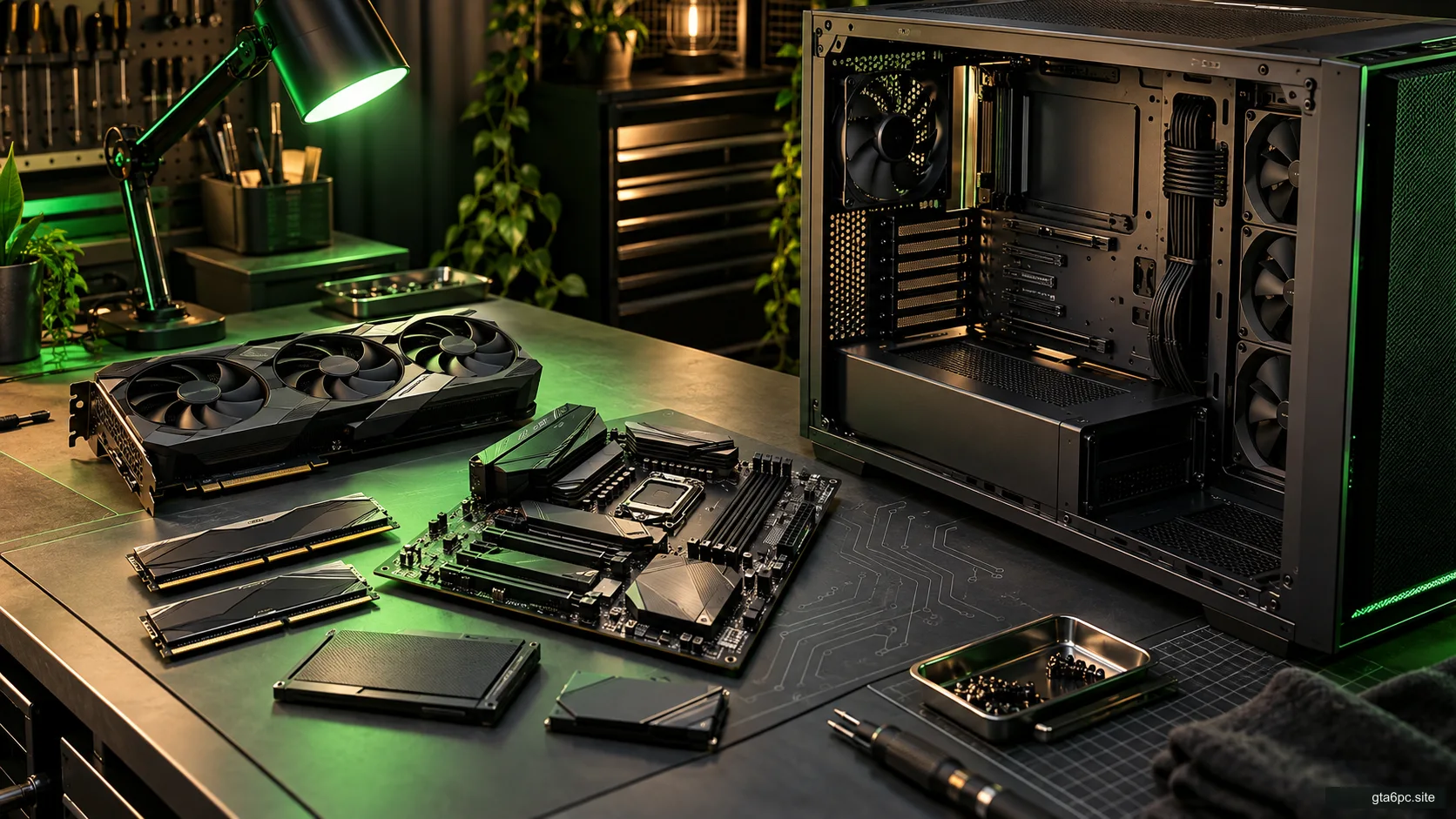
A cheap card is useful only if the whole purchase works
A used graphics card can be a sensible way to improve current games, but the saving has to survive several checks. The card must be what the seller claims, fit your PC, work under load and come with a risk you are willing to accept.
Before paying, get the exact model, inspect the condition, understand how it will be tested, and establish the return path. Then add all required costs to the price. If those answers remain vague, a lower number on the listing may not be a bargain.
This checklist does not name a universally safe used model or invent an offer. It gives you a process for a particular card and sale. Nor does a seller’s “ready for GTA 6” claim prove future PC performance. Base the purchase on documented hardware and games you use now.
First check whether a graphics upgrade solves your problem
Do a quick CPU and GPU bottleneck check in your current game. If lower rendering resolution brings a repeatable improvement, more graphics capacity may be useful. If it barely helps, investigate limits, settings, heat or CPU-related work before shopping.
Also write down your target. You might want steadier play at the same resolution, less compromise on effects or better performance in a specific application. Without a target, almost any faster card can look tempting even when it adds little you will notice.
Keep your working card until the replacement has passed your own checks, where your budget allows it. That gives you a known reference and a way to keep using the PC if the purchase goes wrong.
Identify the exact board, not just the graphics chip
The GPU family name is only part of the identity. Different board makers and versions can have different cooling, physical dimensions, outputs and power connections. Memory capacity can also distinguish models with similar names.
Ask for the full board-maker product name and model code from the label. Request clear, current photos of the front, back, connectors, output ports and identification label. Compare them with the maker’s official product page or manual.
The box is supporting information, not proof that the card inside matches. A replacement box or mismatched label needs an explanation. The important identity belongs to the actual board you will receive.
Do not publish the seller’s full receipt or personal details in a public forum. Keep the information needed for the transaction privately. Serial numbers can be useful for warranty and matching the received item, but a number alone does not prove ownership, condition or eligibility.
Ask questions that produce useful answers
“Does it work?” invites a short yes. Ask what was checked and under what conditions instead.
Useful questions include:
- What is the exact model and memory capacity?
- Has it been repaired, opened, repasted or modified?
- Is its firmware original, and are the settings used for testing normal?
- Are any fans, outputs or other functions faulty?
- What power supply and connections were used for the test?
- Can you show a current load test and the card’s identity together?
- What happens if it arrives damaged or repeatedly fails under normal use?
- Is warranty support available to a second owner in my location, and what proves that?
Past use also matters, but treat it as context. A statement that the card was only used for gaming does not establish careful handling. Previous mining or continuous work does not, by itself, prove that a card is damaged. The practical questions are its present condition, any modifications, test results and your protection if it fails.
Do not try to infer a precise remaining lifespan from a seller’s story. That is not something a simple inspection can establish.
Verify fit and power before arranging a test
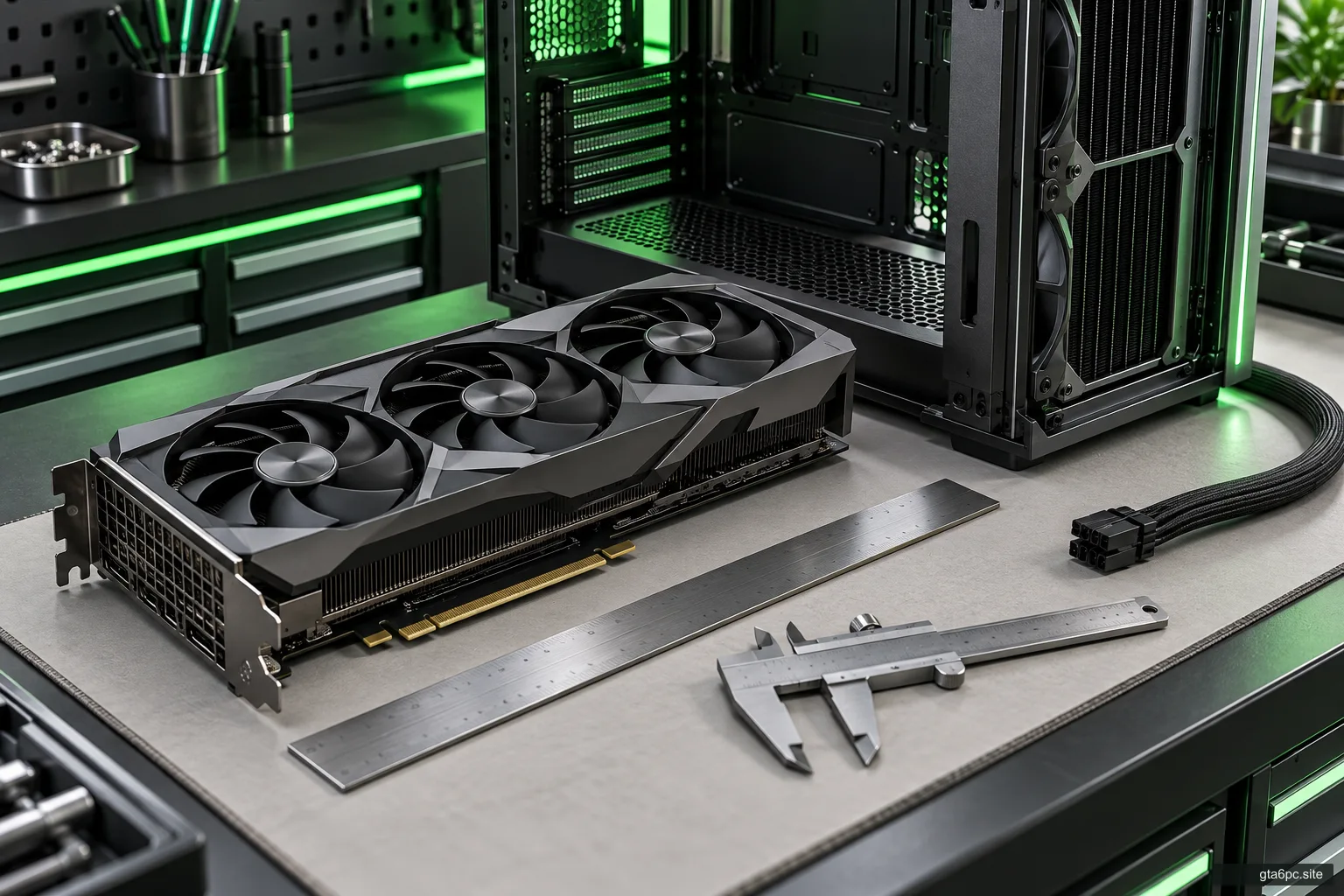
Compare the actual board dimensions with your case. Include front fans or a radiator, nearby cards, thickness, and room around the power connector. A GPU can fit lengthwise while leaving too little space for a safe cable route or blocking another useful slot.
The graphics card clearance checklist helps you measure the whole fit. Use the specific board dimensions rather than those of another card built around the same GPU.
Check the power supply’s exact model and the card’s required connections. Total advertised watts are not the whole answer. Connectors, available cables and the maker’s recommendations matter.
Never use a modular PSU cable merely because the plug fits. Compatibility belongs to the exact power supply and cable design. The PSU cable guide explains this check. If required original or approved cables are missing, include the proper solution in the price.
Also confirm the display outputs you need. A card with a damaged or missing required port is not equivalent to a fully working card for your setup, even if another port can show the seller’s desktop.
Read warranty and return terms as separate promises
A manufacturer’s warranty deals with covered faults under its terms. A seller or marketplace return process deals with the sale under its own terms. Neither should be assumed to replace the other.
For example, NVIDIA’s US graphics-card warranty page excludes products acquired used from that stated coverage. NVIDIA also says partner-made GeForce boards use the partner’s warranty, while Founders Edition coverage is handled by NVIDIA. That does not establish one worldwide rule for all graphics cards.
Check the exact manufacturer, region, original purchase channel and second-owner terms. If a transfer is allowed, find the required steps and documents. An account registration or a seller’s “still under warranty” line is not enough by itself.
For a marketplace purchase, read the applicable policy and item condition. Check the deadline, required reporting route, who pays return shipping and what exclusions apply. As an example, eBay’s current help page distinguishes a change of mind from an item that arrives faulty, damaged or different from the listing. Use the terms for your actual sale and location.
Keep payment and messages in the agreed protected channel if you are relying on its policy. A request to leave that channel can change the protection you thought you were buying.
Inspect the card before applying power
For an in-person sale, ask to see the card powered off before testing. For a delivery, take clear photos of the package and the card as received. This records condition and helps you compare it with the listing.
Look for damaged blades, loose parts, bent brackets, damaged connectors, corrosion, obvious burn marks or signs of rough handling. Check whether the fans can move freely without forcing them. Dust is something to assess; an unusually clean card is not proof of internal health.
Some surface marks may be cosmetic, and some materials can leave marks that are hard to interpret. Do not invent a diagnosis from a stain or scratch. Ask for an explanation and seek qualified inspection if the answer affects safety or the price.
Stop before powering a card with visibly damaged electrical connections, corrosion or obvious heat damage. A bargain is not worth testing through a damaged power connector. Do not open the cooler or attempt repairs while you are still assessing a returnable purchase.
A test should prove more than “it displays Windows”
A desktop image proves a limited function at light load. It does not show how the card behaves in a game, whether all relevant outputs work or whether performance falls after warming up.
Use a known-compatible PC with correct power and normal card settings. The seller should disclose any overclock, undervolt or power-limit change. A card demonstrated only under a specially reduced limit has not been shown to work as advertised at ordinary settings.
Use official drivers appropriate for the card and system. You do not need a mystery “repair driver” from the seller. If installation repeatedly fails, record the exact message and investigate before accepting an explanation that the software is simply fussy.
For an in-person check, agree on the test before travelling. For a delivered card, leave enough time within the return period to test it yourself. If you cannot test at all, the price and protection need to reflect that greater uncertainty.
Run both repeatable work and normal play
Start with an ordinary game or application you already have, using a repeatable scene. Watch the image while moving and listen for changes in the fans. Check whether the game crashes, the driver restarts or the display loses signal.
Then use a suitable benchmark or documented stability test if available. UL’s 3DMark guidance explains that tests suit different classes of hardware and that its stress-test results describe stability during the run. You do not have to buy software merely to complete this checklist; existing repeatable game tests can still provide useful evidence.
Record the test name, settings, driver, card settings, test system and result. If the benchmark offers a separate graphics score, keep it separate from a combined system score. A slow processor can affect comparisons that are not purely about the card.
Repeat enough work to see warm behavior rather than only a short cold run. Stop if the system shows a safety concern or repeated faults. Do not increase voltages or remove protections to make a suspect card pass.
Check the actual ports you need, one at a time with known-working cables and a supported display mode. A working HDMI port does not verify a DisplayPort output you plan to use.
Interpret problems without blaming the wrong part
Colored blocks, flashing geometry, broken textures or other image errors are reasons to investigate. They do not automatically identify the failing component. A game bug, driver, cable, display, power issue or unstable settings can cause different kinds of trouble.
Return to normal settings and repeat in another suitable workload. If possible, compare with a known-working card or system. Keep the test conditions clear rather than changing drivers, power cables and games all at once.
A lower score is also not an instant failure. Check resolution, benchmark version, power mode, cooling, CPU and generated-frame settings. Compare like with like. The benchmark claims guide explains why a headline number without conditions is weak evidence.
Some graphics cards stop fans at light load by design. Verify the exact model’s intended behavior rather than treating every stopped fan as a fault. Under the appropriate load, check that cooling behaves as documented and that no fan scrapes or fails to operate.
Electrical noise can be noticeable even on functioning hardware. Decide whether the sound is acceptable in your setup, but do not use quietness as proof of health or noise alone as proof of imminent failure. Ask about return options if acoustics matter to you.
What a passing test cannot promise
A useful test lowers uncertainty. It does not prove that every memory location, port, workload and future operating condition is fault-free. Nor does it predict how many years the card will last.
This is why inspection, load tests and a clear return path work together. None replaces the others. A seller’s short clip can support a claim; your own post-delivery test verifies the received card in your system.
Avoid statements such as “a ten-minute test proves the card is perfect.” Test length is only one part of coverage. A longer unsuitable test may reveal less about your needs than several well-chosen checks.
If you are not comfortable diagnosing faults, buying from a source with a clear service process may be worth the extra cost. Price the support you can actually use rather than treating it as worthless until something breaks.
Calculate the landed price and the working price
The landed price is what it costs to get the card to you. The working price adds what you must change before it meets your needs.
Working price = card + delivery + applicable fees + required cables or parts + necessary service.
Use current figures for the actual sale. Do not assume a new power supply, cable or repair is free because you might find one later.
Here is a hypothetical comparison in neutral currency units:
| Item | Used option A | Used option B |
|---|---|---|
| Card price | 220 | 270 |
| Delivery | 15 | 10 |
| Required compatible PSU change | 65 | 0 |
| Total before optional costs | 300 | 280 |
The cheaper listing is the more expensive working setup in this example. The figures are invented to explain the calculation, not offers or repair quotes. Warranty, returns, condition and performance would still need comparison.
You can enter your own upgrade costs in the PC upgrade tools. Treat a resale value for your old card as uncertain until it is sold, not guaranteed money that makes the purchase affordable today.
Be careful when “just needs a small repair” explains the price
A seller may describe a fault as a simple fan change, cleaning job or software problem. Unless you can verify the diagnosis and cost, price it as a faulty card with uncertain work.
A repairable project and a working upgrade are different purchases. If you want a working GPU, do not let a hopeful repair story turn into your responsibility after payment.
For refurbished cards, ask who performed the work, what was tested and what service applies afterward. “Refurbished” is not a complete repair record. The claimed condition needs a clear definition in the listing.
Do not plan improvised heat treatment, firmware flashing or connector repair as part of a normal buying check. Those actions can add damage and make the original problem harder to document.
Your final decision checklist
Buy when all the important answers are clear enough for the price:
- The exact board and memory match the listing and photos.
- The card fits the case with proper cable room.
- The power supply and approved connections support the installation.
- The required display outputs work in documented modes.
- Normal-settings tests show useful performance and no unexplained repeated fault.
- Repair history and modifications are disclosed.
- Warranty claims are verified, or the lack of coverage is priced honestly.
- The applicable return route and deadline are clear.
- The complete working cost compares well with other options you can actually buy.
Walk away if the seller refuses useful identity evidence, pressure replaces answers, the promised protection changes at payment, or a serious fault is waved away without proof. You are buying a tool for your PC, not the task of proving an optimistic listing true.
After delivery, check promptly, keep the packaging and record any problem before the relevant deadline. A successful purchase should let you return to playing and working with a clear understanding of what you bought.
Sources and references
- NVIDIA: product warranty information and NVIDIA: US graphics-card warranty terms. Warranty provider and stated coverage; other makers and regions require their own checks.
- UL: 3DMark user guide and UL: stress-test results. Appropriate tests and the meaning of stability results.
- AMD: official driver support. An official route for supported Radeon software.
- eBay: return an item for a refund. Example of marketplace return guidance; check the policy that applies to the actual purchase.