Upgrade your PC now or wait for GTA 6? Compare the full cost
Decide whether to keep your PC, replace one part or rebuild it. Compare current benefits, hidden costs, fit and the information still missing for GTA 6.
Read the workshop noteGTA VI / THE PC WORKSHOP
Get the PC release facts, check what fits your rig and compare the upgrades that deliver a real benefit.
PC signal · No PC date or requirements listed in the official record checked October 14, 2026.
Consoles: November 19, 2026, PS5 and Xbox Series X|S. See the announcement record.
PUT THE NUMBERS TO WORK
Find the space left after your planned installs and compare parts plus dependencies in one place.
Check the things that turn a promising upgrade into a good one: the present benefit, the physical fit and the complete path.
Decide whether to keep your PC, replace one part or rebuild it. Compare current benefits, hidden costs, fit and the information still missing for GTA 6.
Read the workshop note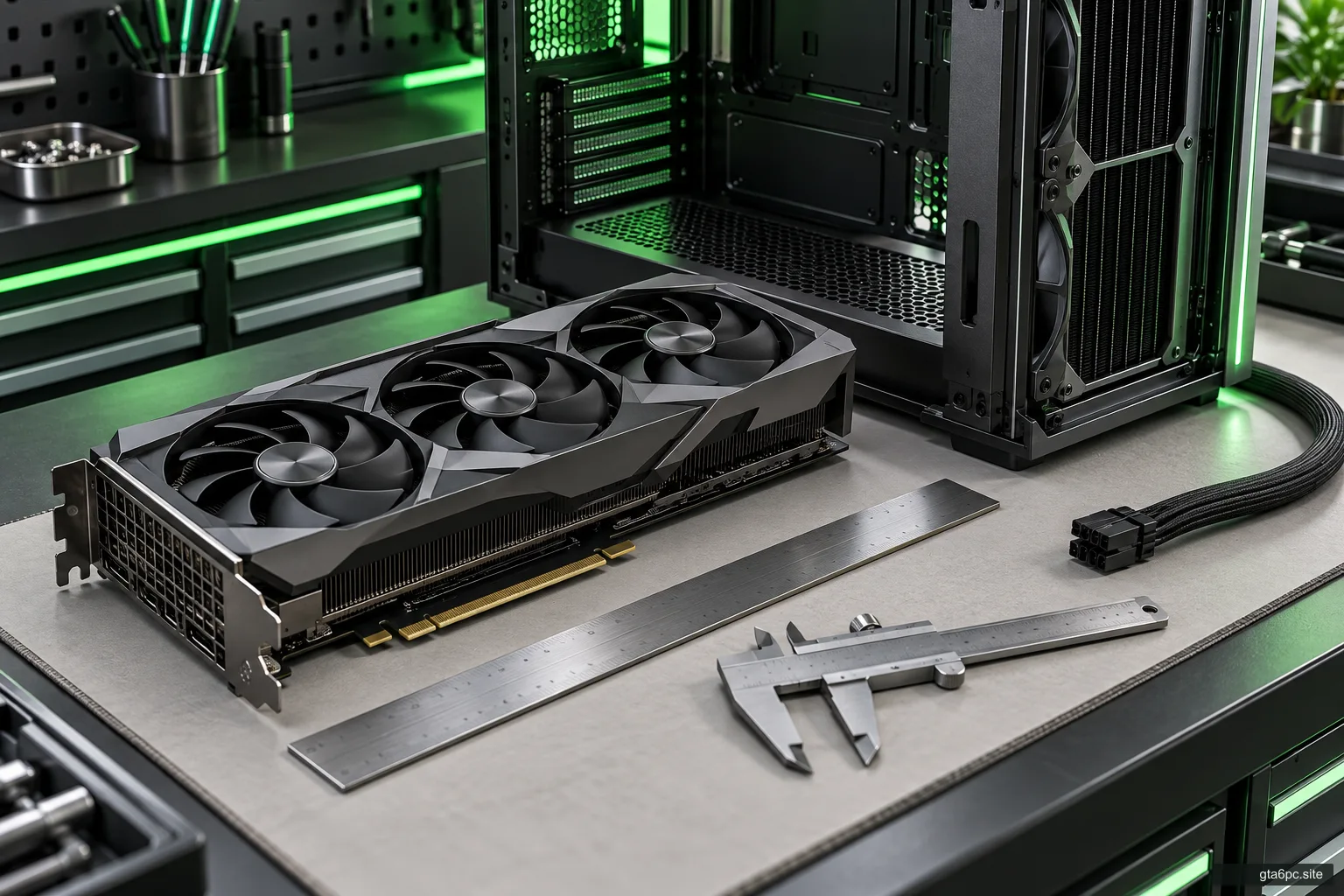
Check GPU length, thickness, height and power-cable space. Use exact card and case models, account for radiators and avoid a costly fit mistake.
Read the workshop noteIdentify your exact power supply, distinguish CPU and GPU cables, verify modular compatibility and plan a supported graphics-card power connection.
Read the workshop noteTHE SPECIFICATION DESK
Release information and hardware requirements answer different questions. Read the official status, then understand how the specification relates to your machine.
Open RequirementsTHE MEASUREMENT BENCH
Record how the games you own run today. Compare the same scene and settings, and learn what a frame-time capture tells you about a change.
Explore PerformancePractical preparation that stays useful as your library and PC change.
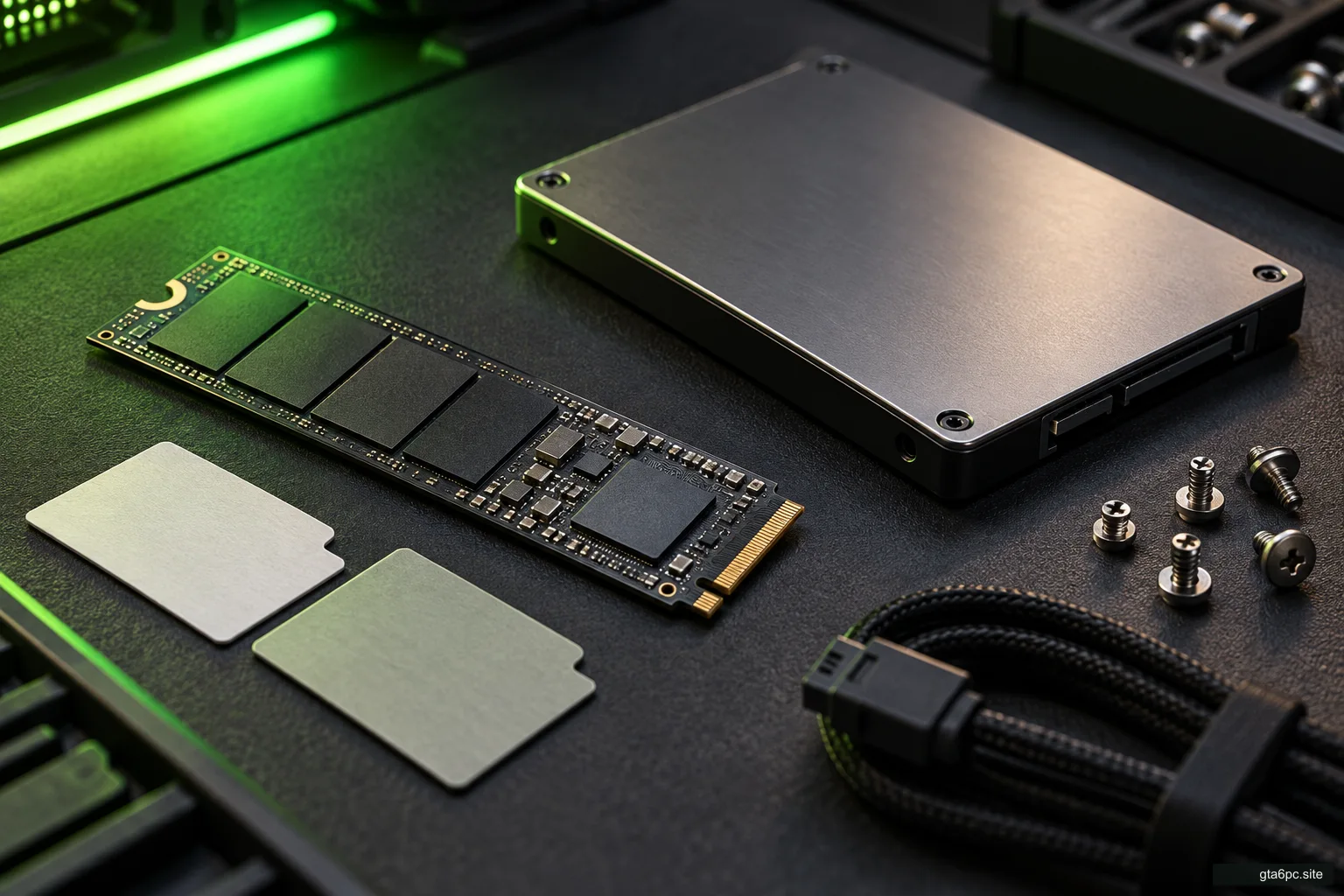
Check the right drive, separate active games from archives, plan update room and choose a supported storage upgrade without inventing GTA 6 requirements.
Read the workshop noteFind your CPU, GPU, RAM, motherboard and drives with Windows tools. Record the PSU and case details software cannot reliably identify.
Read the workshop noteFind out whether an M.2 SSD works in your PC. Check SATA versus NVMe support, 2280 size, PCIe limits, shared ports and physical clearance.
Read the workshop noteFind the cause of a slowdown, choose a screen that suits your games and check a used card before you pay.
Use changes in resolution, scene detail and power conditions to find the likely limit in games you own. Avoid buying a part from one usage number.
Read the workshop note
Compare pixel counts, refresh timing, VRR and the full connection path. Choose a gaming screen for your desk and current games without guessed GTA 6 FPS.
Read the workshop noteCheck a used GPU's identity, condition, load behavior, warranty and return path. Include cables, fit, power and delivery before deciding whether it saves money.
Read the workshop noteSeparate cloud play from a PC release, trace a store listing and check where a download really comes from.
Separate a native GTA 6 PC release, a cloud service listing and console Remote Play. Check the right evidence before buying a game or subscription.
Read the workshop noteVerify a claimed GTA 6 PC store page, publisher, platform and purchase terms. Separate a wishlist, console preorder, game key and actual PC release.
Read the workshop noteCheck an alleged GTA 6 PC download without running it. Learn what makes a source trustworthy and what to do after a download, login or suspicious payment.
Read the workshop note