Upgrade your PC now or wait for GTA 6? Compare the full cost
Decide whether to keep your PC, replace one part or rebuild it. Compare current benefits, hidden costs, fit and the information still missing for GTA 6.
Read the workshop noteTHE HARDWARE BENCH
Bring the physical fit, platform support and present benefit into the same upgrade decision.
Record the complete processor and platform models. A CPU replacement can bring motherboard, memory and cooling dependencies, so compare a whole path.
Compare upgrade paths ↗Exact card dimensions, radiator arrangement and cable space define fit. Check the installed case rather than a headline clearance.
Measure the fit envelope ↗System memory and VRAM serve different resources. Capacity alone does not establish the right upgrade or equivalent cards.
Separate the memory jobs ↗The complete supply model and explicitly compatible cables matter. A modular plug that fits is not proof of a supported cable.
Check the power path ↗Match protocol and physical size to the exact platform manual. Read any notes about shared ports and heatsinks.
Read the storage slot ↗
Exact model. Present benefit. Platform support. Physical envelope. Power path. Total cost. Revisit condition.
Open PC upgrade toolsDecide whether to keep your PC, replace one part or rebuild it. Compare current benefits, hidden costs, fit and the information still missing for GTA 6.
Read the workshop noteUnderstand RAM, dedicated VRAM and shared graphics memory. Use simple checks to decide whether memory is causing a real problem in your PC games.
Read the workshop noteIdentify your exact power supply, distinguish CPU and GPU cables, verify modular compatibility and plan a supported graphics-card power connection.
Read the workshop noteCheck GPU length, thickness, height and power-cable space. Use exact card and case models, account for radiators and avoid a costly fit mistake.
Read the workshop note
Find out whether an M.2 SSD works in your PC. Check SATA versus NVMe support, 2280 size, PCIe limits, shared ports and physical clearance.
Read the workshop note
Compare pixel counts, refresh timing, VRR and the full connection path. Choose a gaming screen for your desk and current games without guessed GTA 6 FPS.
Read the workshop note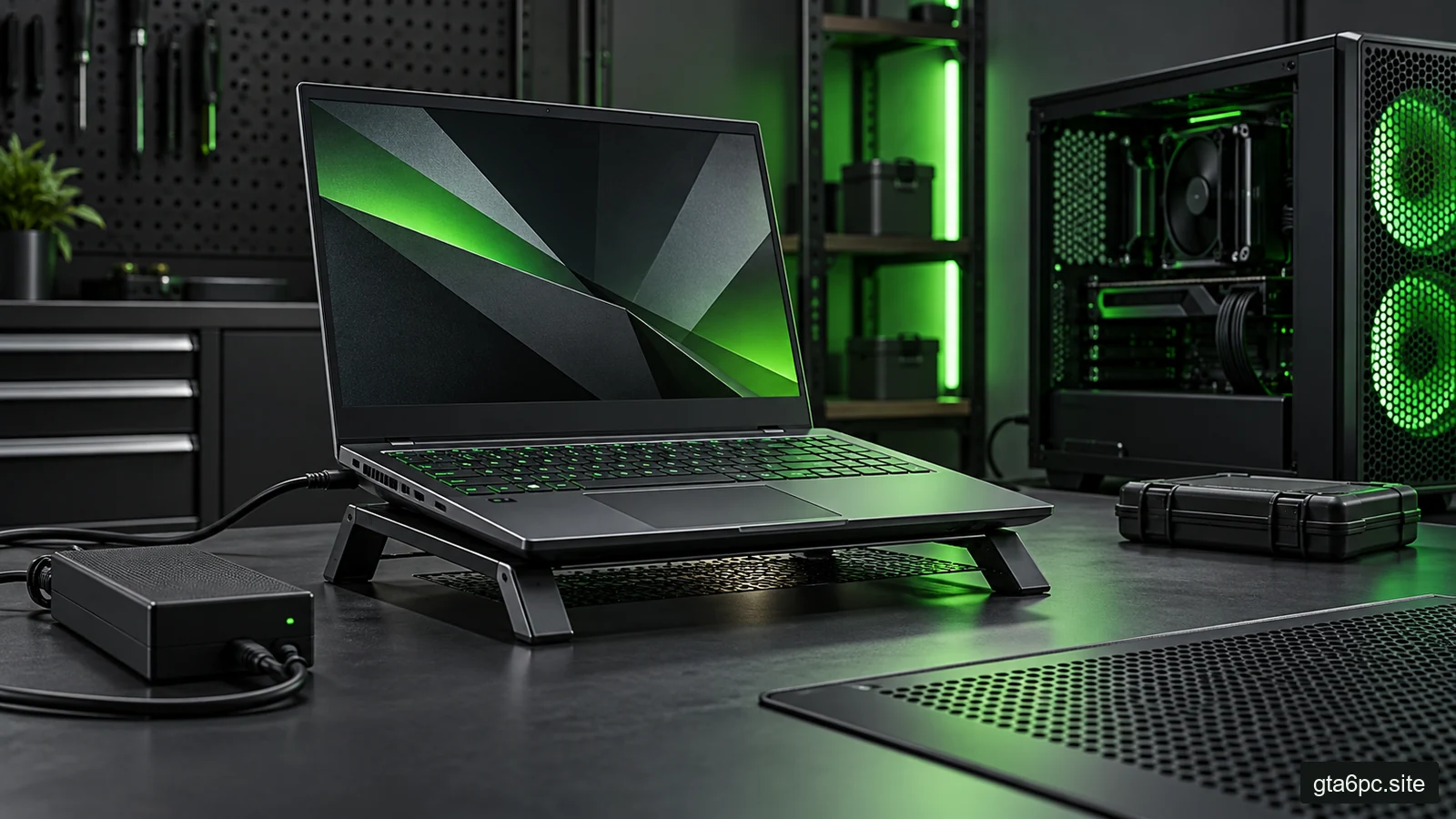
Choose between a gaming laptop and desktop by travel, sustained performance, repair, upgrades and full ownership cost. Includes a practical comparison sheet.
Read the workshop noteCheck a used GPU's identity, condition, load behavior, warranty and return path. Include cables, fit, power and delivery before deciding whether it saves money.
Read the workshop noteUnderstand memory channels, module capacity and DDR5 subchannels. Check your PC's slot layout, mixed memory options and safe upgrade steps before spending money.
Read the workshop note