Start with the problem the purchase should solve
A good PC upgrade starts with a sentence about your experience. “My game keeps pausing in this busy area.” “I have to uninstall something every week.” “Playing and recording together is rough.” Those statements give the purchase a job.
“I want a better card for GTA 6” is understandable, but it does not yet tell you which problem the card solves. The official PC requirements record does not supply a verified shopping list in the sources checked October 14, 2026.
You can still buy useful hardware now. The stronger reason is a benefit you can define in your current games or work, with GTA VI kept as a separate future question. That protects you from both buying too early and postponing an improvement you already need.
Write a target that fits your life
Your target might be smoother play, less noise, more room for games or reliable recording. Put it beside your monitor resolution, current settings and the applications you run together.
Do not automatically adopt a reviewer’s setup. Someone testing maximum settings at 4K may be answering a different question from someone who enjoys 1080p at a moderate preset. More expensive equipment is not automatically better value for the experience you want.
Also include practical constraints. Can you tolerate a day of migration? Is the computer used for work? Does a larger case fit your desk? Would louder cooling bother you? An upgrade that looks attractive in a benchmark can be inconvenient in daily use.
A clear target lets you compare options without moving the goal every time you see a new component. You can change your mind, but make that change deliberate.
Measure before choosing the part
Use the frame-time baseline tutorial to repeat the relevant workload. Keep the scene, settings and background applications consistent. Record exact component names using the PC specs guide.
Try inexpensive, supported changes that help test the cause. Lower one demanding setting, pause an unrelated download or compare the workload without optional recording. Do not change everything at once and then assume the largest change caused the improvement.
A settings compromise may be enough. It may also show that a hardware change is justified. Either way, you have a better starting point than one unexplained usage percentage.
Storage, memory, cooling, CPU work and graphics work can create different limits. A fast graphics card does not make an overflowing SSD larger. More RAM does not add dedicated VRAM. Diagnose the problem you actually have.
Compare three complete paths
Keep the PC and improve the setup
This is worth considering when the machine is broadly satisfactory. A supported library move, a less demanding setting or removing an unnecessary background workload may solve the immediate complaint.
Maintenance can also matter, but follow the computer’s documentation. Do not turn a simple performance investigation into a risky firmware change or unsupported modification. If temperatures or errors concern you, establish the actual pattern and check the appropriate guidance.
Keeping the PC is a positive decision when it meets your target. Write what would make you reconsider, so “wait” has a clear reason rather than becoming endless indecision.
Replace one component
This is attractive when the problem is reasonably isolated and the surrounding machine supports the change. A larger supported SSD can solve a capacity problem. A compatible RAM change may help a repeated memory-pressure problem. A GPU change may improve a graphics-limited workload.
Each proposal needs its dependencies. The card must fit and have a supported power solution. The SSD must match the slot and installation plan. The memory must match the platform.
Also ask how much of the candidate’s benefit you can use. A component may be capable of more than your current target requires. You do not need to buy the largest option merely because it is available.
Replace the platform or complete machine
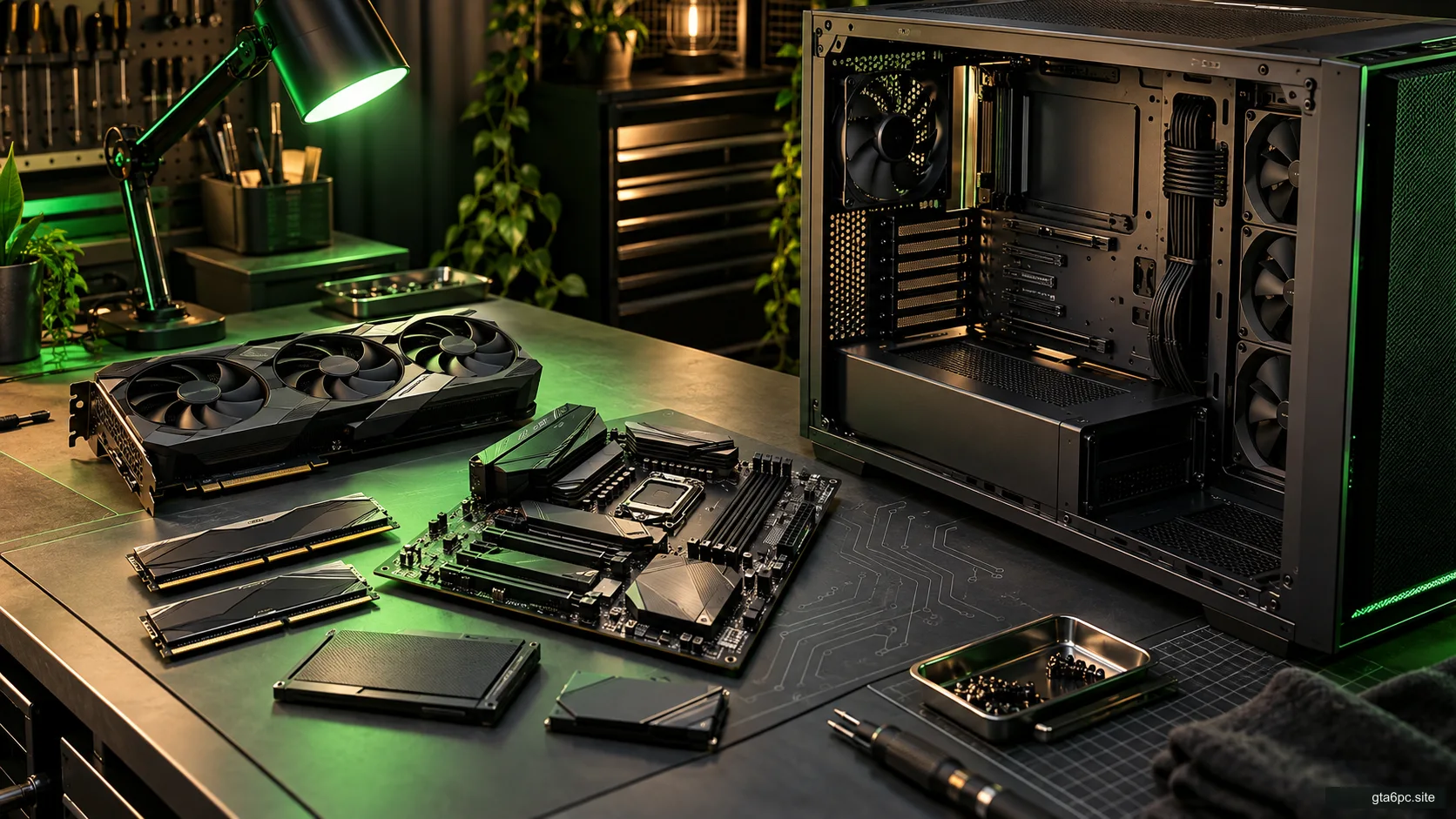
A rebuild can make sense when several connected limits make piecemeal changes poor value. A CPU move might require another motherboard, RAM and cooler. A compact prebuilt may restrict several parts at once.
Compare the actual replacement machine with the smaller paths. Include the parts you can keep, the work involved and the useful improvement. A rebuild is neither automatically wasteful nor automatically the most sensible option.
For laptops, compare supported internal changes with a different complete computer. Do not price a desktop card as though it can be installed inside any laptop.
Count the costs that hide behind the headline price
The part’s price is one line, not the whole budget. Include necessary cables, brackets, cooling, storage migration, delivery and installation help. Check taxes and seller terms for your actual purchase.
A hypothetical card costs 300 currency units. A supported cable costs 25, installation help costs 35 and delivery costs 10. The path costs 370. Those figures are examples, not current prices.
Suppose another path costs 520 in total but avoids a case change and improves a second current problem. You now have a meaningful comparison: 370 and its benefit against 520 and its benefit. Comparing 300 with an isolated price from the second path hides the difference.
| Cost to include | Why it matters |
|---|---|
| Main component | The advertised starting price |
| Required supporting parts | Compatibility may depend on them |
| Delivery and local charges | They change the amount paid |
| Installation or migration | Time or help may be needed |
| Expected downtime | Important if the PC is used for work |
| Return conditions | They affect what happens if the diagnosis is wrong |
The upgrade-cost tool lets you compare your own totals. It calculates your inputs; it does not decide whether a component supports GTA VI.
Do not spend resale money before it exists
Selling an old part can reduce the final cost, but the amount is uncertain until a real sale. Keep two totals: what you must pay up front and what the path might cost after resale.
Include selling fees, delivery, packaging and the possibility of a lower offer when relevant. Do not subtract an optimistic asking price as though it has already arrived in your account.
Keeping an old working component briefly may also help diagnose a problem with the replacement. Whether that is worth delaying a sale depends on your budget and actual return conditions.
The same careful treatment applies to discounts. A sale only improves value if the part is right for the job. Buying the wrong component cheaply still leaves the original problem unsolved.
Check fit before choosing the winner
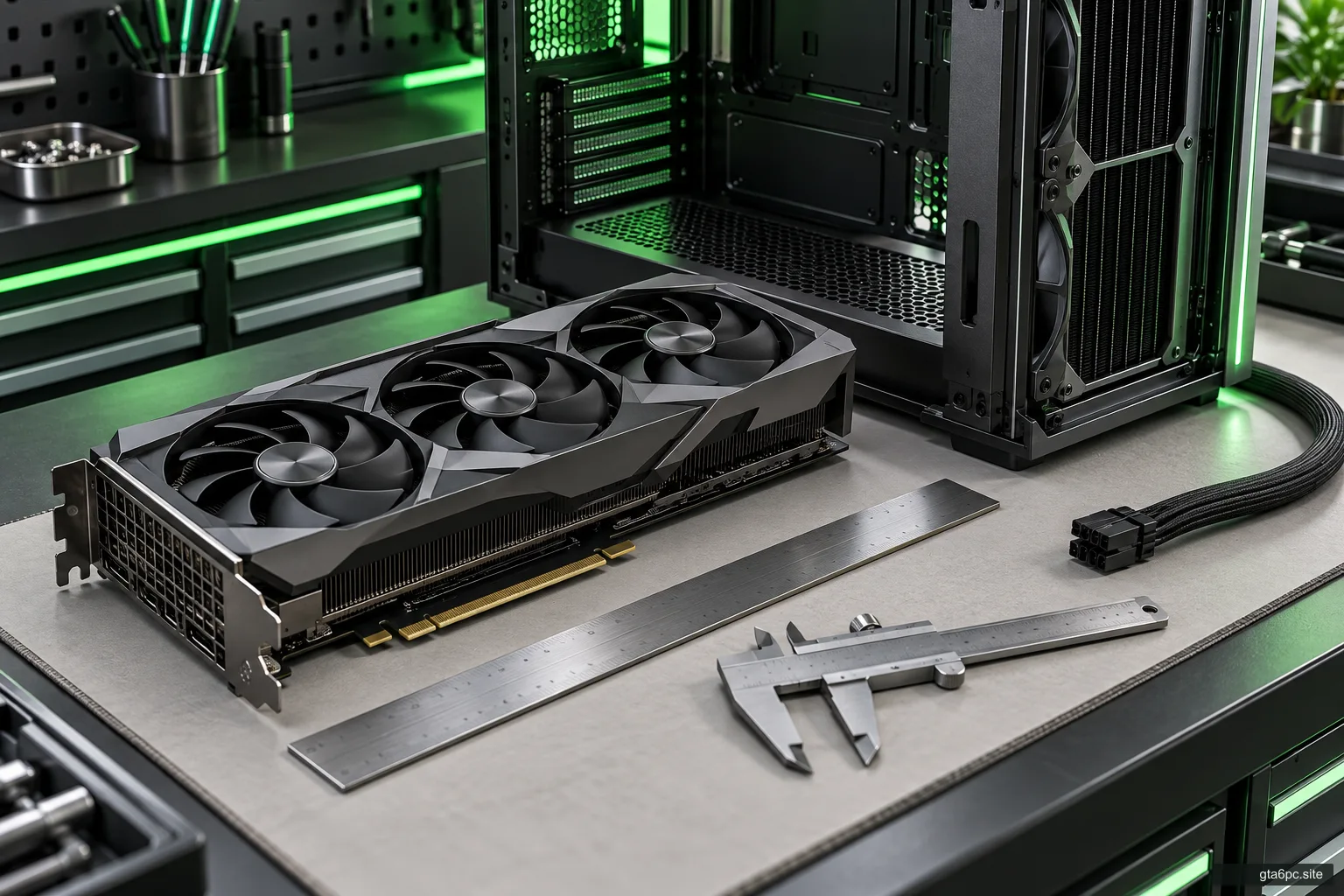
For a graphics card, check physical clearance and PSU cables. Use the exact card model, not just the GPU family. Cooler sizes and connector positions can differ.
For storage, read M.2 compatibility and decide how the library or operating system will move. For RAM, check the generation, slots and supported configuration rather than assuming capacity is the only condition.
A proposed upgrade with unknown compatibility is not ready to compare as a completed path. Write the missing fact and the next action. That may mean finding a manual, measuring space or asking the manufacturer about a specific model.
Avoid resolving uncertainty by buying the most expensive substitute. Better information is often cheaper than unnecessary capacity.
Use a purchase condition you can actually test
A purchase condition is just the sentence that tells you when to act. For example: “Buy supported storage if the active library cannot fit my chosen reserve after reviewing unused installs.”
For a GPU: “Buy after the repeated current-game test shows a benefit I value, and after case and power checks pass.” For GTA VI alone: “Revisit when official PC requirements and relevant performance tests answer my target.”
These conditions reduce the chance that a new headline changes your plan without supplying new evidence. They also make waiting useful. You know which event would reopen the decision.
Keep the conditions short. A note with three honest lines is easier to revisit than a large spreadsheet filled with guesses.
Three worked decisions
Storage first. You are happy with play quality but constantly remove games. A supported SSD expansion solves a present inconvenience. There is no need to invent GTA VI’s install size to justify capacity you already need.
GPU proposal on hold. Your games meet your target, the case is tight and the proposed card needs a different power solution. The only claimed benefit is an unverified future game prediction. Holding the purchase preserves both money and choice.
Rebuild for current work and play. The machine has repeated performance limits, little supported expansion and is used for demanding tasks beyond gaming. A full replacement may offer better total value than several expensive partial changes. Compare the actual benefits and total spend, with GTA VI remaining a separate question.
These examples show why there is no universal “buy now” or “wait” answer. The right answer follows your machine and your use.
Keep the final plan simple
Write down the path, complete cost, present benefit and unresolved facts. Add the condition that would change your decision. For a purchase, retain the actual seller terms and component instructions.
You can enjoy anticipating GTA VI without asking that anticipation to prove a hardware choice. Buy when the change earns its place in your PC today. Keep game-specific promises open until game-specific evidence exists.