Are GTA 6 PC requirements official yet?
The official Rockstar sources checked on October 14, 2026 do not provide a GTA VI PC requirements sheet. If you find a table naming a processor, graphics card, memory amount or install size, check its source before treating it as official.
An estimated list can be useful as a clearly labelled discussion. It cannot prove that your PC is supported or that a purchase will meet the game’s needs. A table with neat columns is still a guess if the publisher has not supplied those figures.
This guide helps with two things: knowing which information is missing now, and understanding a real requirements sheet when one is published. You can prepare your own hardware details today without inventing the game’s side of the comparison.
| Requirement | Official PC status in the sources checked |
|---|---|
| Processor | Not listed |
| Graphics card | Not listed |
| System RAM | Not listed |
| Dedicated graphics memory | Not listed |
| Installation size and required drive type | Not listed |
| Supported Windows version | Not listed for a PC edition |
| PC performance target | Not listed |
The PC release guide keeps the platform and date information together. A console announcement does not fill the empty PC fields above.
Minimum requirements do not mean “runs the way I want”
When a game publishes minimum requirements, start by reading the surrounding notes. What resolution, settings and frame rate do they refer to? Is upscaling used? Are there separate requirements for particular graphics features?
A minimum list usually marks a supported starting point under the publisher’s stated conditions. Without those conditions, you should not add a performance promise of your own. Being able to start a game and enjoying how it runs are different questions.
Recommended requirements also need context. A label alone does not guarantee every setting at every resolution. A player using a high-resolution display may ask more of the graphics card than the conditions behind a recommended tier.
Suppose a hypothetical requirements sheet describes a particular quality preset at 1080p. That statement would not automatically apply at 4K. These are examples of how to read a sheet, not GTA VI targets. Copy the conditions alongside the components so the comparison remains meaningful.
Read the CPU model beyond “i7” or “Ryzen 7”
The CPU is the main processor. Its family name is only part of its identity. Different generations and models can perform differently despite sharing a familiar label. An old processor with a higher family number is not automatically faster than a newer one with a lower label.
Record the full model shown by your computer. Then compare it with the processors named in the actual requirement sheet. If the sheet mentions particular capabilities or instructions, those matter as well. More cores alone do not settle every game comparison.
Avoid websites that turn processor names into one unexplained compatibility percentage. If a model is not listed, you may need reliable comparisons or a clear publisher statement. A rough score should not hide uncertainty about support.
Replacing a CPU may also require a motherboard, memory or cooler change. That is a purchase question beyond whether its name looks stronger. Keep that complete path visible in the upgrade comparison.
Read GPU and VRAM as related but separate facts
The GPU is the graphics processor. VRAM is its graphics memory. A card needs the required capabilities as well as enough memory for the workload. Matching a memory amount does not make every graphics card equivalent.
For example, two cards can have the same dedicated memory capacity and very different processing power or feature support. Conversely, a card with a larger memory number is not automatically the best choice for your settings.
Keep the exact graphics model and dedicated memory in separate entries. On a laptop, also identify the exact computer model and power configuration when looking at performance comparisons. A mobile GPU name does not guarantee the same behaviour as a similarly named desktop card.
If a future sheet names a graphics API or feature, check support for that feature directly. Installing a newer driver does not give a card hardware capabilities it never had. Our RAM versus VRAM guide explains the memory distinction without mixing the two capacities.
System RAM is not added to dedicated VRAM
System RAM is the working memory used by Windows and applications. If a PC has 16 GB of RAM and a graphics card with 8 GB of dedicated VRAM, that does not create a single 24 GB graphics memory pool.
Integrated graphics may use system memory. That makes the complete machine and its configuration particularly important. A Windows display of shared GPU memory is not a promise that a dedicated card performs as though it had that amount of extra local VRAM.
When a requirements sheet gives a system RAM figure, compare it with installed system RAM. Then check the graphics requirements separately. If you run browsers, recording software or other demanding applications while playing, your total workload may differ from the publisher’s test conditions.
Before buying more RAM, confirm the supported generation, capacity and module arrangement. DDR4 and DDR5 are different standards; an unsupported module cannot be made useful by choosing a larger capacity.
Storage requirements include more than the download
A game’s download size, installed size and space needed while updating may differ. Read which figure the publisher gives. A compressed download does not necessarily describe the final installation, and an installed size does not guarantee every update will need no extra room.
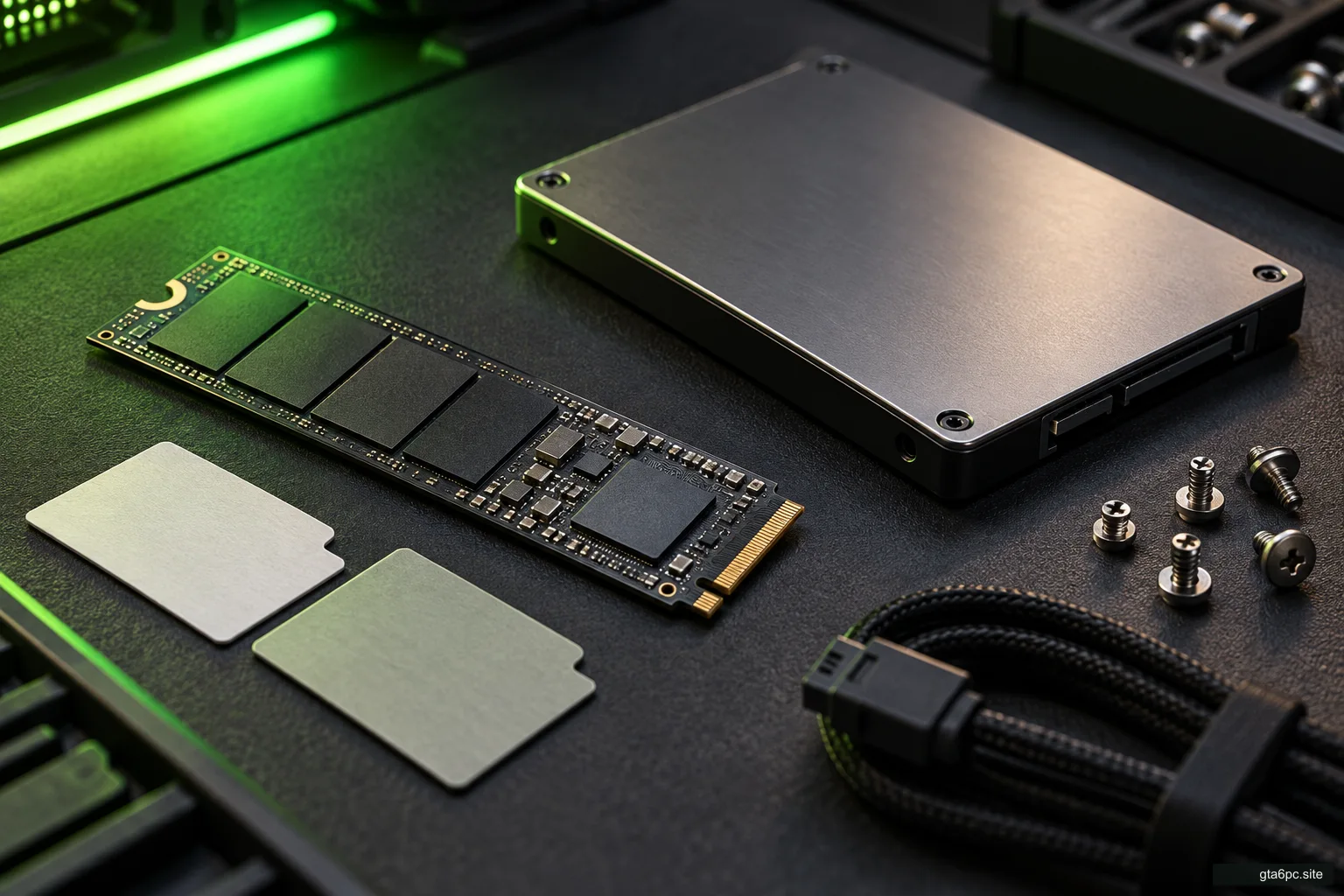
Also distinguish drive type from capacity. If a future PC sheet requires an SSD or a particular storage condition, that condition must be checked independently of free space. A large unsupported drive would not satisfy it simply by having room.
For planning now, use measured free space and a clearly labelled future-game scenario. The storage budget guide shows the arithmetic. Its example numbers are user assumptions, not GTA VI facts.
Check the installation volume rather than adding free space across unrelated drives. A game normally needs its files on a supported destination selected through its launcher. Free space on another volume helps only if you can actually use that destination as intended.
Windows, accounts and other conditions matter too
A future PC edition may have supported operating systems, driver requirements, account conditions or online features to consider. Read the actual listing and support page. Do not copy those details from GTA V or another game.
A machine can look strong enough on paper and still lack a supported operating system or a required feature. Likewise, an account or connection condition cannot be answered by the graphics card model.
Keep “supported” separate from “might work.” If you depend on a setup outside the published conditions, you may need specific evidence for that setup. That applies to alternative operating systems, compatibility layers and unusual hardware arrangements.
This is not a reason to complicate every purchase. It is a reason to include the small print that could change whether the game works for you.
Make your own side of the comparison now
Use the PC specs tutorial to build a short note. Record the exact CPU and GPU, dedicated VRAM, installed RAM, operating system, installation drive and free space. Add your monitor resolution and the settings or frame rate you hope to use.
Leave the game’s fields empty until a verified sheet supplies them. “Unknown” is more useful than a guessed number because it shows what information would change your decision.
Once official requirements exist, compare one field at a time. Mark a clear match, a clear mismatch or an unresolved comparison. Do not collapse those results into a green light if one required capability is still unknown.
Then ask the separate performance question. Requirements help establish a supported starting point. Measurements of the actual PC version at relevant settings help show the experience you can expect.
Common mistakes that lead to unnecessary upgrades
The first is using console specifications as a PC shopping list. Different platform designs and software conditions make that a poor substitute for actual PC requirements.
The second is treating another Rockstar game as a benchmark for GTA VI. You can learn how your machine handles that existing game. You cannot relabel its results as GTA VI performance.
The third is buying for an unexplained “future-proof” label. A seller cannot promise every future feature or performance target merely by using that phrase. Ask what benefit the machine provides now and which future conditions remain unknown.
Finally, a mismatch in one area does not automatically mean replacing the whole PC. When facts are available, work out whether one supported change solves the problem. The can my PC run it guide takes that comparison from a parts list to an actual decision.
When should you act?
If your current games or work already need an improvement, measure the problem and compare supported options now. If the purchase is solely for GTA VI, wait for information that actually answers the PC question.
Your preparation is not wasted. Exact component names, a storage plan and a clear target stay useful. They let you react to official news with a practical comparison rather than an expensive guess.